
Step by step
Office 365 mailbox Setup Procedures for Android system
We recommend user to use Microsoft Outlook App to access your email. If you prefer to use other email client to receive email/Calendar/Contacts on your mobile device, please make sure the app app meets the minimum requirements for Multi-Factor Authentication (MFA) enabled account.
Setup email account using Microsoft Outlook app.
- Open Microsoft Outlook for Android . If you don't have it yet, download it from the Google PlayStore (external site, opens in new tab).
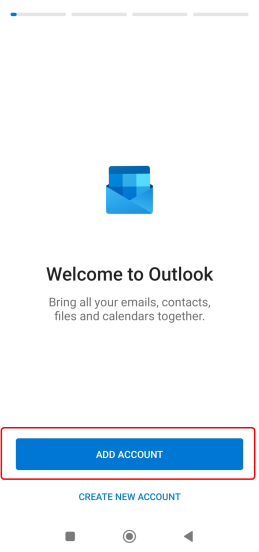
- Tap“ Add Account”.
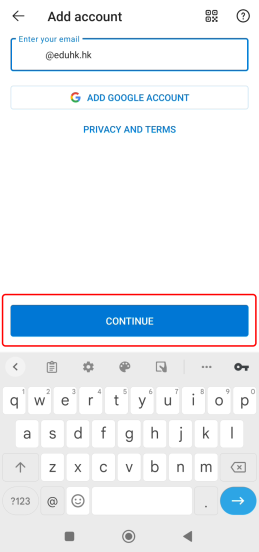
- Enter your EdUHK email address when prompt. And press "continue".
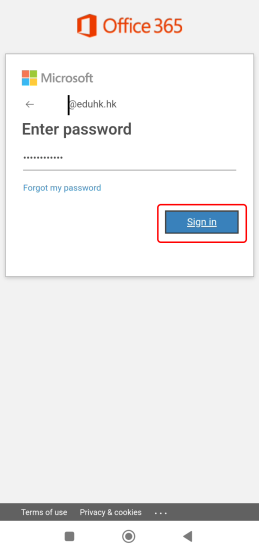
- Enter your EdUHK password when prompt. And tap "Sign In".
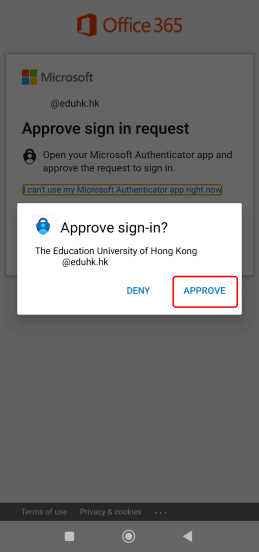
- If your account is enabled with Multi-Factor Authentication - MFA, you need to "Approve" the login from the Microsoft Authenticator app. Otherwise, go to next step.
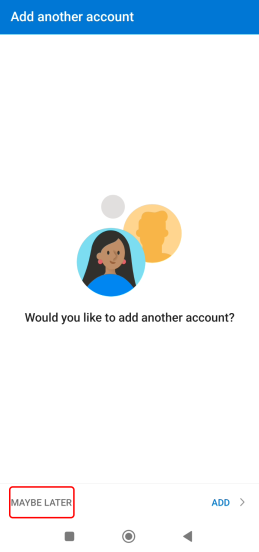
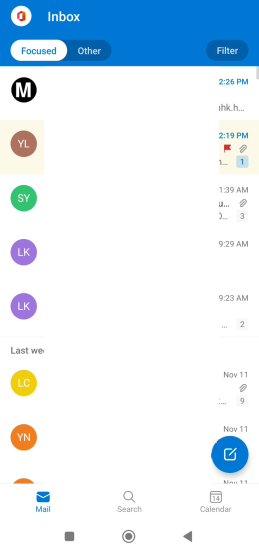
- Tap "Maybe later" to complete the setup.
For Android version 12
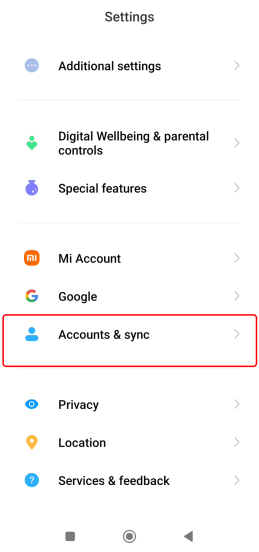
- Tap ".Settings".
- Tap "Accounts & sync" .
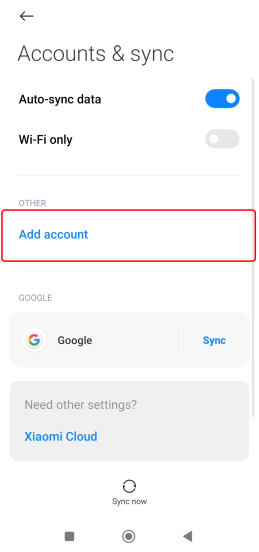
- Tap "Add account".
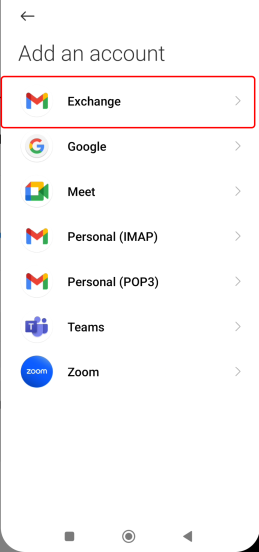
- Tap "Exchange".
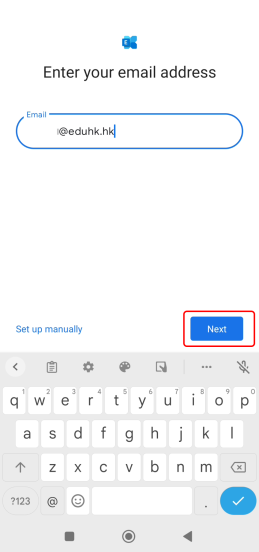
- Enter your EdUHK email address when prompt and tap "Next".
- Enter your EdUHK password when prompt. And tap "Sign In". Then tap "Next".
- When the security warning prompts, Tap "Approve".
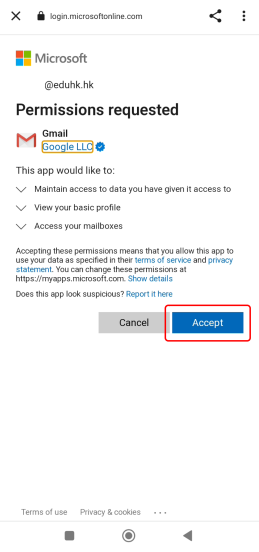
- Tap "Accept" to allow Gmail app to be the default mail app.
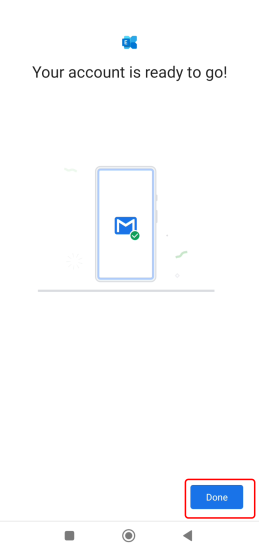
- Tap "Done" to complete the setup.
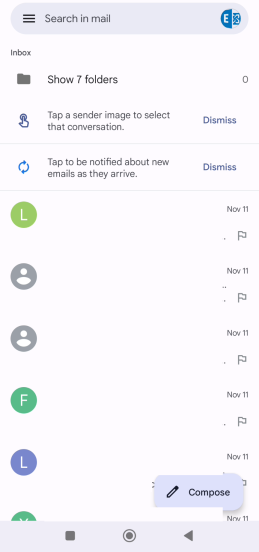
- Open the Gmail app.
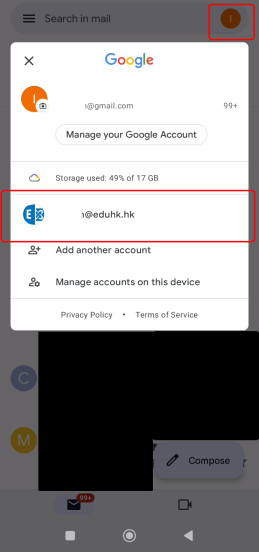
- Tap account icon on the top right hand corner and switch to your EduHK account.